PXTA Means Pixel Tracking Audit, Named After the One-Pixel Image That Started Web Tracking
PXTA is short for Pixel Tracking Audit. Take the P and the X from pixel, the T from tracking, the A from audit. Say it letter by letter, or “pix-ta” if you prefer. Both work, and the site lives at pxta.com either way.
The X needs explaining, and so does the pixel. “px” has stood for pixel for decades: it’s the unit in every CSS width and every image editor’s ruler, so a developer reads PX and thinks of screens. The pixel part needs a little history, because a tracking pixel was once literally one pixel.
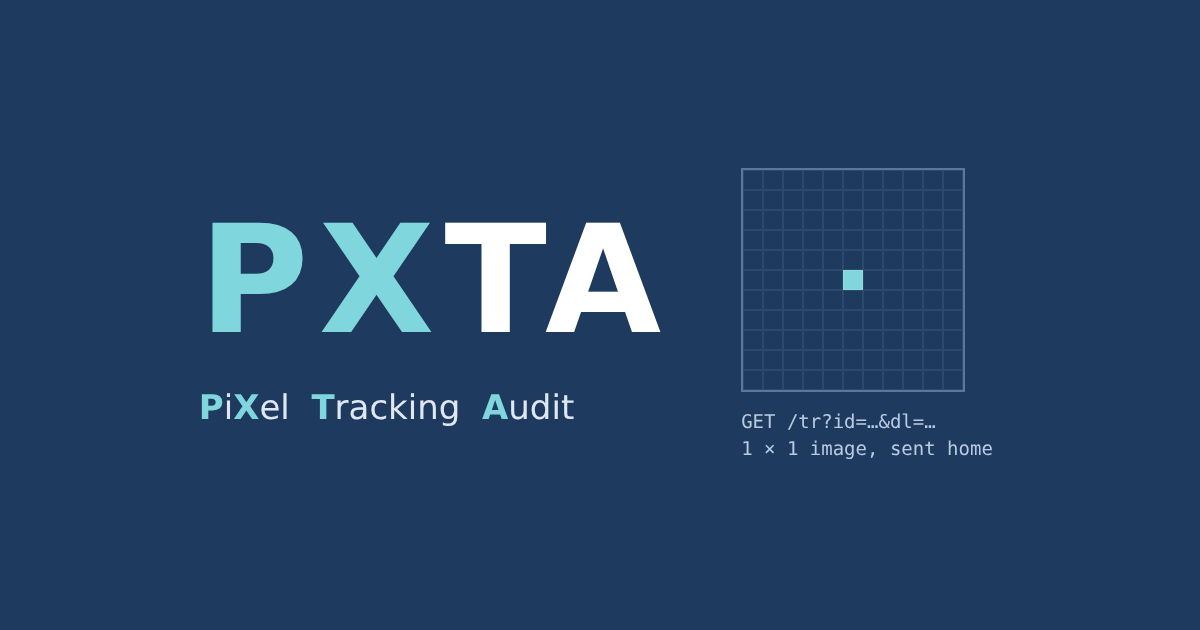
One Pixel, Sent Home
Early web pages were laid out with tiny transparent images, single-pixel GIFs stretched to make gaps. Someone soon noticed that an image doesn’t have to come from the site it’s shown on. Put a one-by-one transparent GIF from your own server on someone else’s page and every visitor’s browser asks your server for it. The request carries the page’s address, the visitor’s IP address, a cookie if your server set one earlier, and anything you care to add to the image’s address. The picture is invisible; the request is the point.
By the late 1990s these were called web bugs, then web beacons, and the advertising business settled on “pixel”. The name outlived the image. Today’s Meta Pixel, TikTok Pixel and Pinterest Tag are scripts that read the page, fill in a long list of parameters and send them off. They still often send it as an image request, though: the Meta Pixel’s data goes to facebook.com/tr, and its fallback for browsers without JavaScript is still a one-pixel <img>.
Tracking, Audited
The second half of the name is the job. A pixel’s request is easy to miss: no picture appears, nothing changes on the page, and the browser makes it in the background along with a hundred others. Most site owners have never looked at one. PXTA loads a site the way a visitor does, records every request its pixels make, and lays them out as findings: which page, which pixel, what it carried, and whether the visitor had said yes, said no, or hadn’t been asked yet.
So the name says what the tool is for. It reads the pixels’ mail.